May 2021 Updates: Streamlining Processes with Edara
2 Reading minutes
In May 2021, Edara unveiled a series of updates aimed at empowering users with enhanced functionality and efficiency.
From streamlining purchase order processes to bolstering inventory management capabilities, these latest features promise to elevate the user experience and drive operational excellence.
Let’s delve into each update to understand how Edara continues to pave the way for seamless business operations and optimized performance.
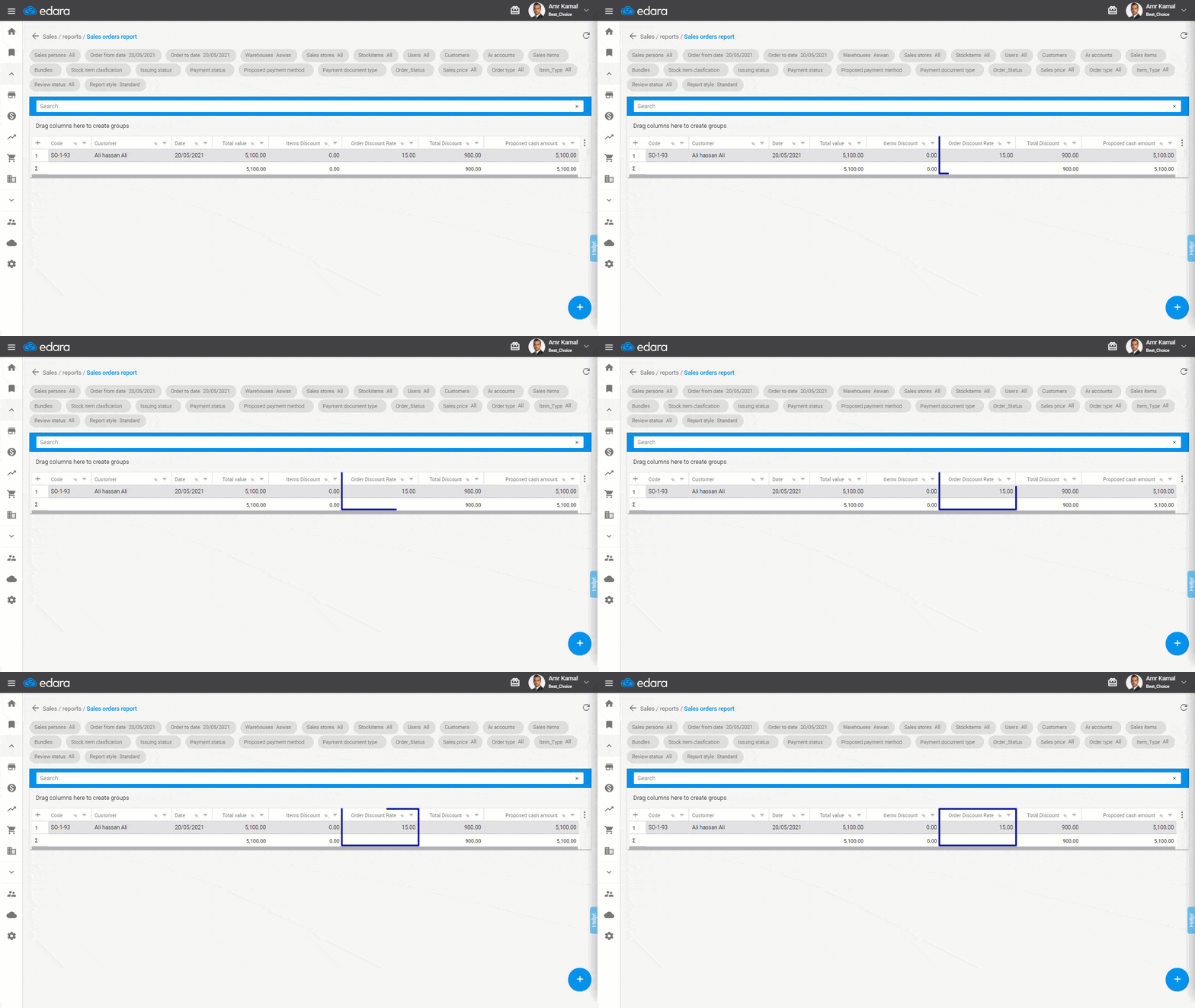
See the discount rate in sales & purchase order reports
Now, when generating sales and purchase order reports, users have the option to display the discount percentage alongside other relevant information.
This added feature enhances transparency in transaction details, providing a comprehensive view of discounts applied to orders.
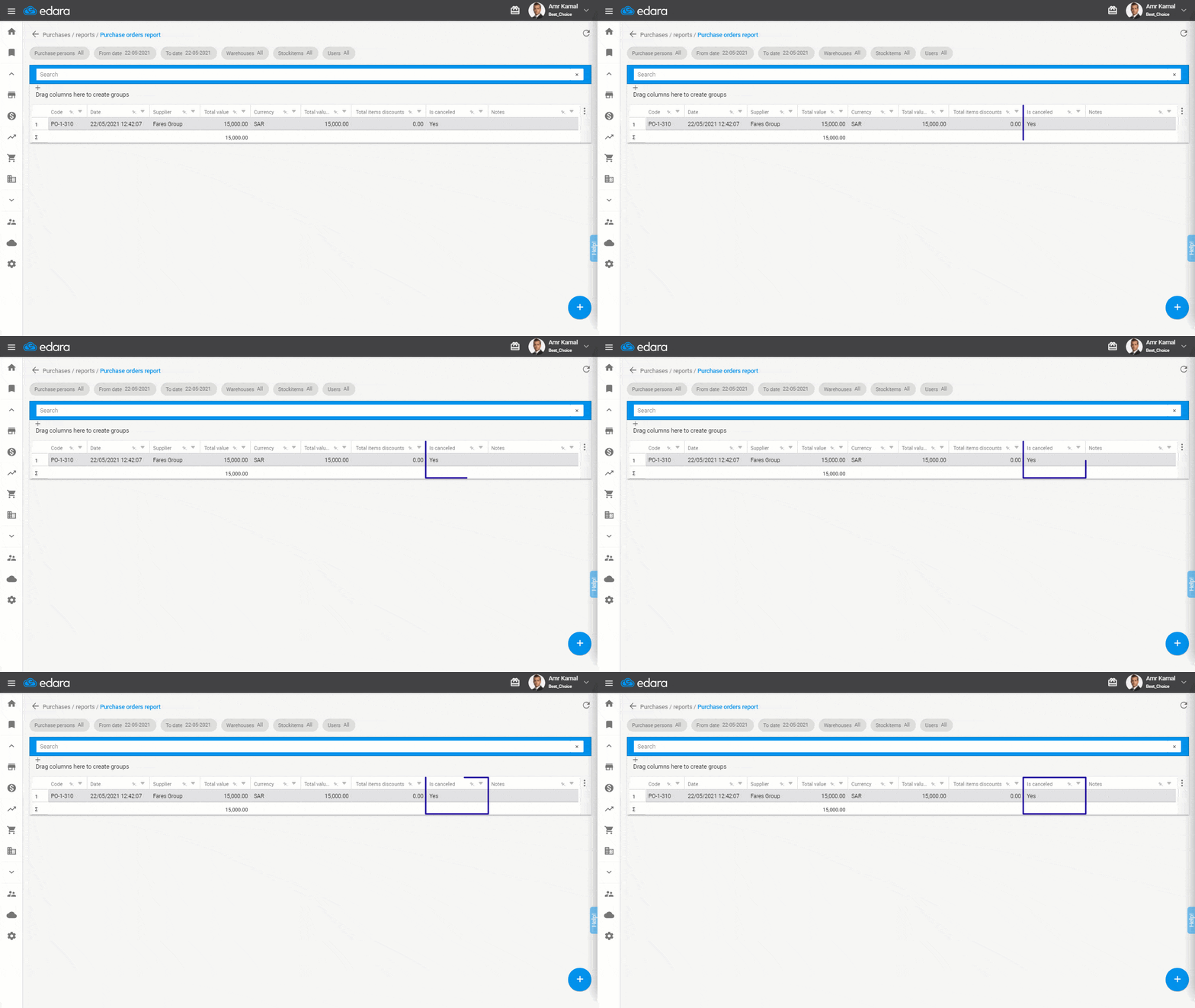
Use “Canceled” Filter in Purchase Order Reports
A convenient addition to the purchase order reporting functionality is the introduction of a “canceled” filter.
This filter enables users to easily identify and review all canceled orders within the purchase order report, streamlining the management of order statuses.
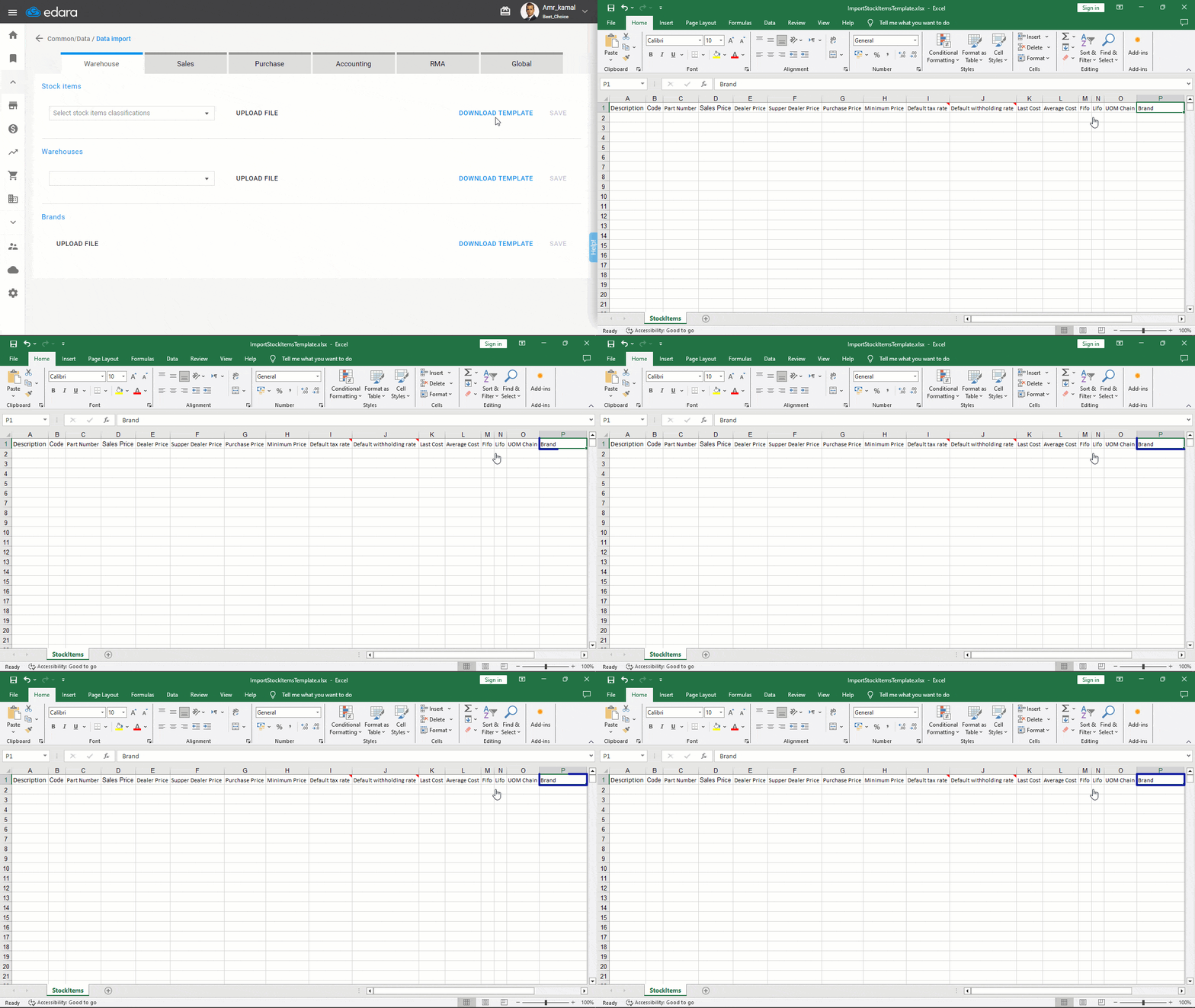
Import Additional Information about Your Stock Items
By expanding the scope of data import capabilities, users can now include “brand” information when importing details about their stock items.
This enhancement offers greater flexibility and depth in managing inventory information, allowing for more comprehensive tracking and categorization.
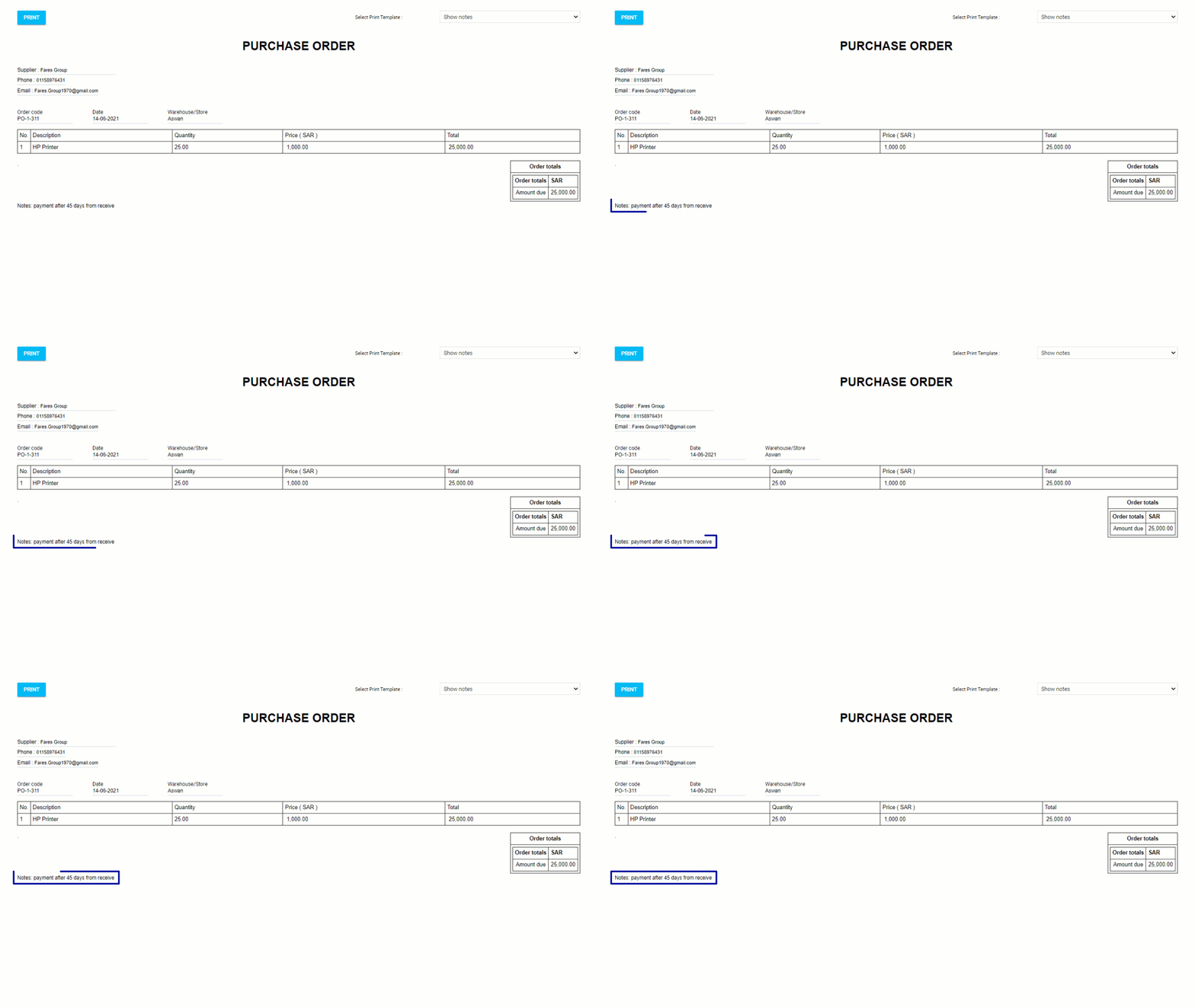
Add Notes in Purchase Order Print Template
To enhance communication with suppliers, you can add notes into the purchase order print template.
This feature empowers users to provide additional clarifications or instructions directly on the purchase order, facilitating smoother transaction processes and reducing potential misunderstandings.
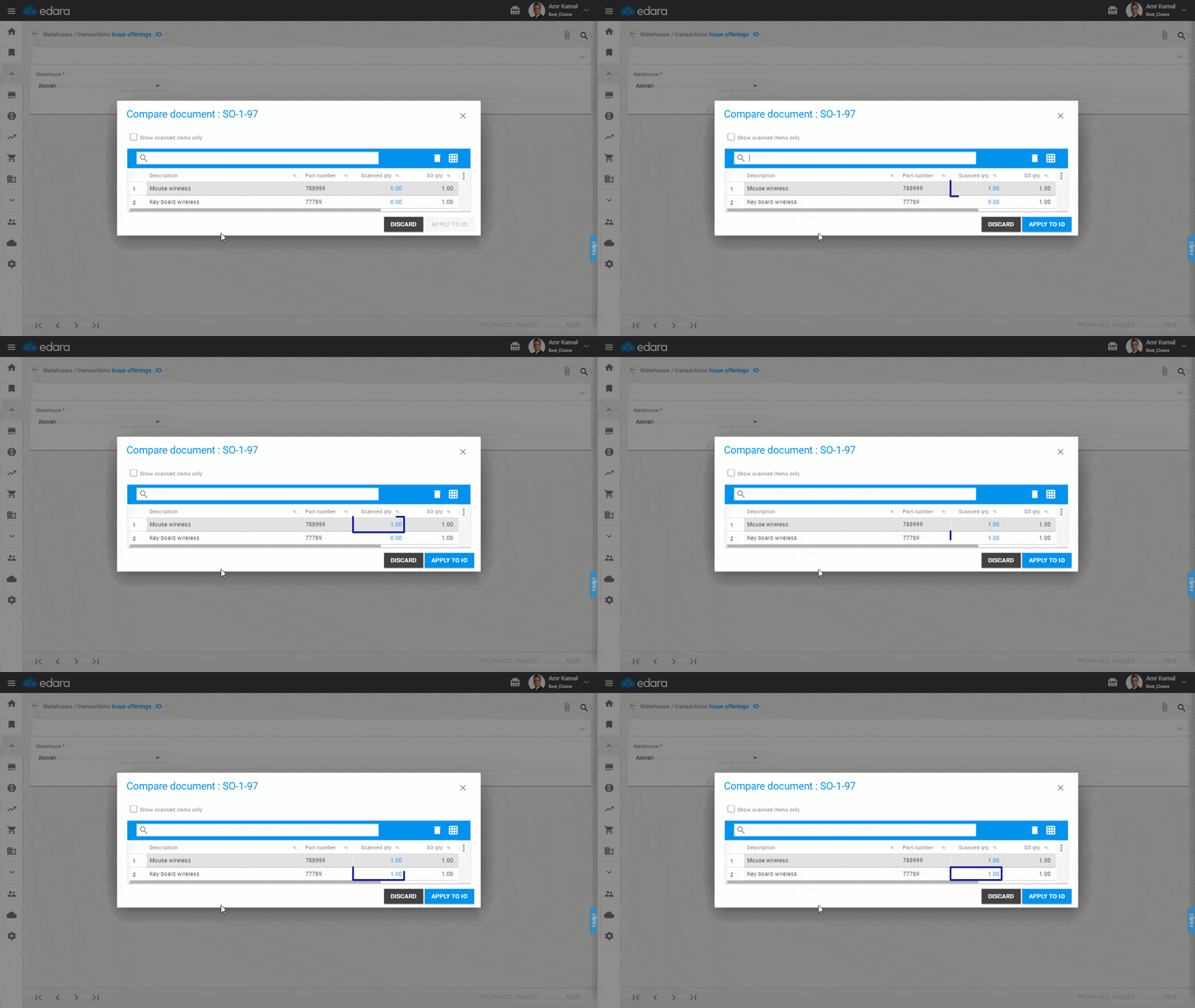
Implement Scan Feature to Compare Issued Items with Sales Orders
To minimize errors in fulfilling customer orders, users can now utilize a scanning feature to compare items issued against the related sales order.
This functionality adds an extra layer of validation, ensuring accuracy and consistency between issued items and customer orders.
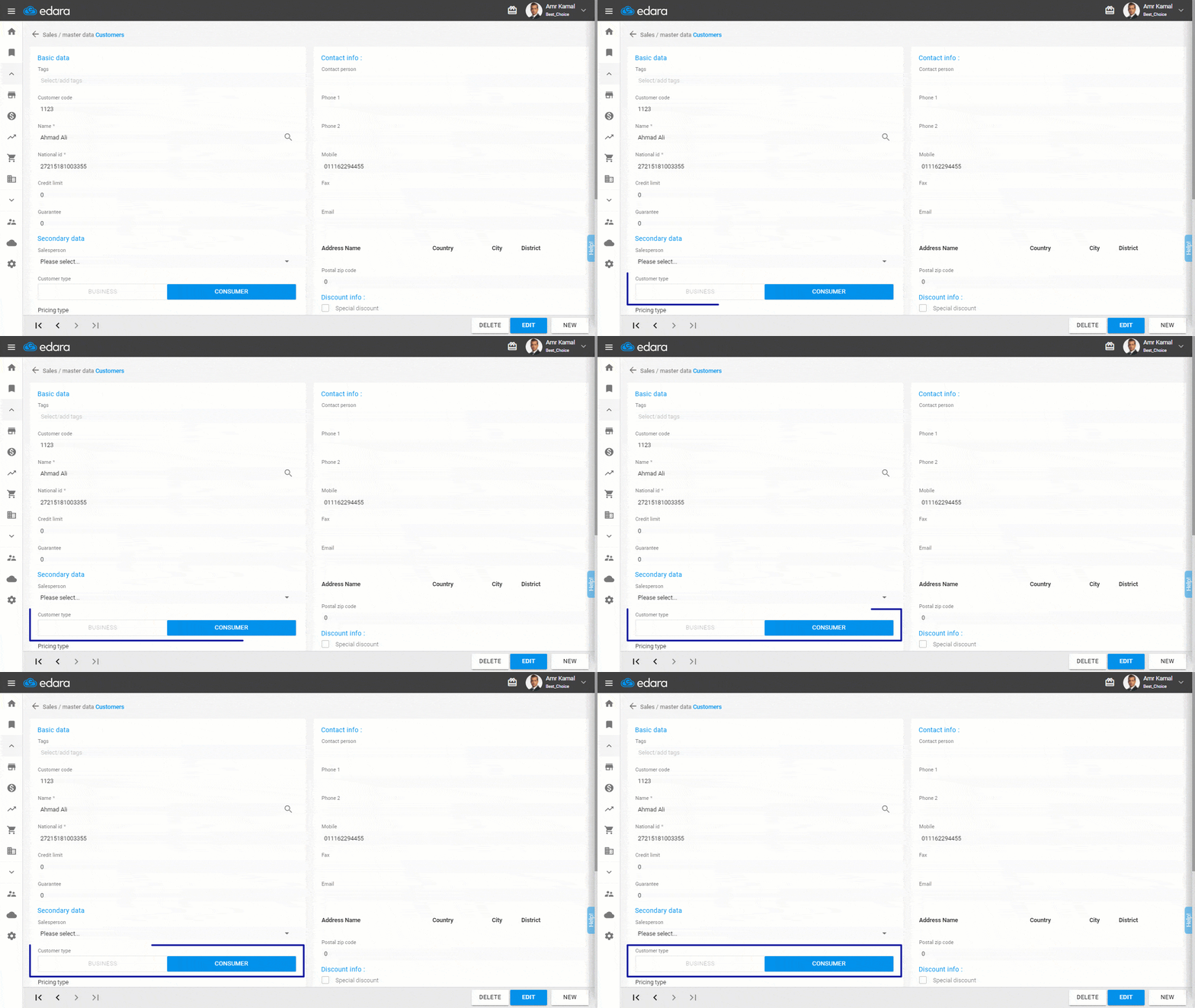
Specify Customer Type for E-Invoicing
In compliance with invoicing regulations, users can now specify whether a customer is a consumer or a business entity.
This distinction determines the information required for invoicing, such as national ID numbers or tax registration ID, streamlining the invoicing process and ensuring regulatory compliance.
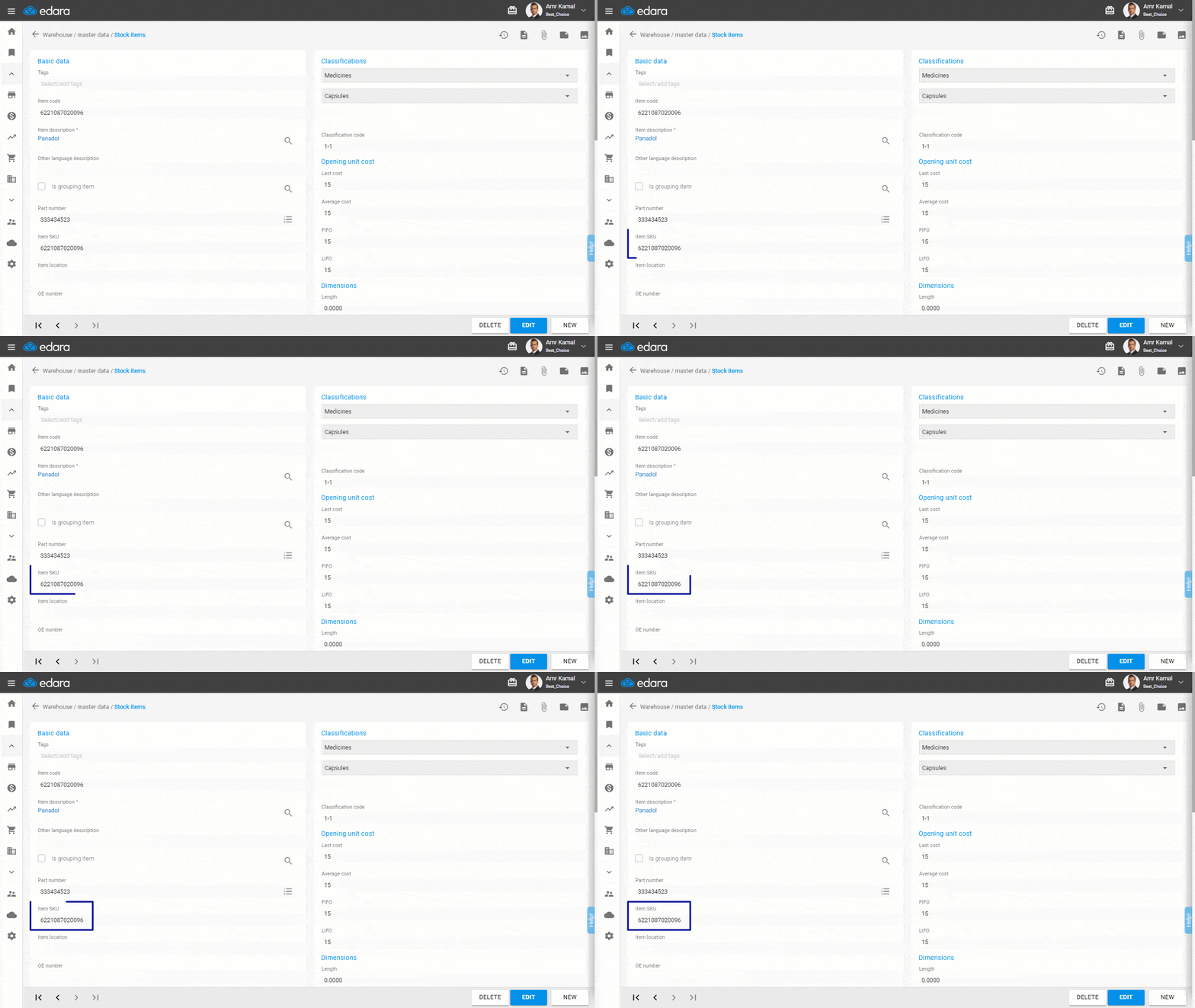
Use “SKU” as a New Identification Number for Stock Items
Each item you have, even if it shares some characteristics with another item, is actually independent in itself and represents a separate selling item with separate details. Therefore, each item must be defined separately.
There are various methods for defining items within “Edara”; it is possible to define by the part number, the item code, and recently it has become available to define by the stock keeping unit (SKU) and to display it in the user interface.
The use cases for defining by SKU are diverse, the most prominent being defining items for tax purposes for electronic invoice users.
These updates represent another step forward in Edara’s mission to empower organizations with the tools they need to succeed in today’s dynamic marketplace.
Related articles

November 2021 Updates: Streamlining Operations in “Edara”
In November 2021, Edara unveiled a series of impactful updates aimed at enhancing functionality. These updates introduce new features and improvements across various aspects of the system, ranging from order…

September 2024 Updates: Modules Activation Flexability and 3 New Features
The "Edara" team remains dedicated to evolving the software solution to meet the dynamic needs of its users and enhance business management effectiveness. In the September 2024 updates, we've introduced…

February 2021 Updates: Empowering Businesses with Edara’s Enhancements
In February 2021, Edara introduced several key enhancements aimed at enhancing functionality, flexibility, and usability. From improved reporting capabilities to streamlined transaction processing and enhanced inventory management features, these updates…